In the spirit of the
GT1 DIY for DRLs...
Program car memory to
visual acknowledge when locking/unlocking. Also known as activate flashing signals and clown nose without having all the alarm system components when locking/unlocking.
NOTICE: When performing the procedure below with vehicle that does NOT have all the alarm system components that when activated, the fault code "07 anti-theft alarm system" is going to be set in GM. Fault does not affect operation of the General Module in any way.
Quote:
from source Bimmerforums:
According to Mike Miller, the Technical Editor of Roundel, in his "Tech Talk" column on page 104, BMWCCA spoke with BMW NA regarding any problems with the above procedure. According to BMW NA, there are no long term problems with this procedure. Here's the quote:
"We spoke with BMW of North America regarding (the question) The "Car Memory" function, "Acknowledgement without DWA" for E46 vehicles (without factory-installed alarm), is available since DIS CD 20.0, and its functionality is described in Service Bulletin 09 03 98. When activated, the fault code "07 anti-theft alarm system" is going to be set in General Module. This fault does not affect operation of the General Module in any way. Simply put, the sustem detects absence of certain components of the DWA - alarm siren and ultrasonic sensor - while at the same time the module was coded to activate the DWA for the lights acknowledgement purpose. Again, the above mentioned fault code is transparent to driver and does not affect the operation of the car. There is no reason to replace the General Module after Car Memory programming. This programming procedure was approved by BMW AG."
Roundel, December 2000, pg. 104, The official publication of the BMW Car Club of America (BMWCCA) ROUNDEL, in the December 2000 issue
|
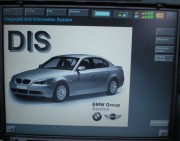
1) Main DIS screen select: Coding/Programming
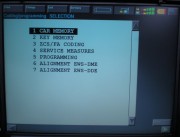
2) Select: Car Memory & confirm connected to OBD-II & key position #2
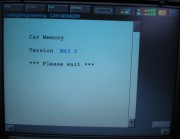
3) Pre data read (varies)--> Actual data read
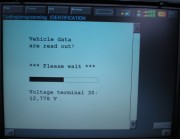
4) Anti-theft system ----> 5) Acknowledge
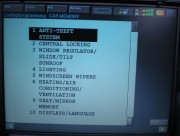
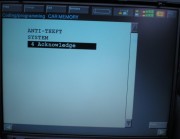
6) Ack. w/o DWA -------> 7) Select: Active
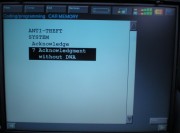
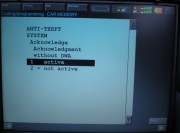
8) Scroll down, set vehicle 9) Confirm NEXT
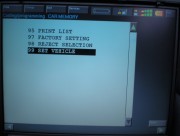
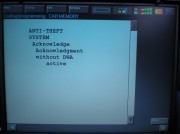
10) Ignition on/off ------->11) Select: Yes to confirm
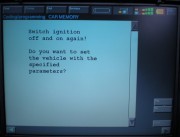
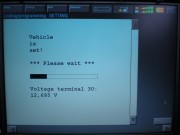
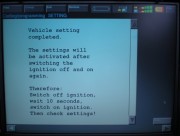
12) Done!