I never tried this on an MKII but its worked for numerous MKIII's.
Version 22 Update for MKII and MKIII only
http://www.e38.org/nav/v22_1_CloneCD.rar">
This will work for the MKIII. 4:3 monitor or 16:9 monitor.
Depending on which version you already have, you may need to download a "KEY CD".
http://www.e38.org/nav/BMW_NaviSoft_KeyCD_Clone_cd.rar
The version 22 will give you the ability to have split screen features, newer graphics, BMW logo at startup, quicker loading time, and accept screen. Even when running the 4:3 monitor you can have split screen.
DOWNLOAD AND INSTALLATION INSTRUCTIONS:
After the V22 update is finished downloading, you will need to make a disc using CloneCD. You can download that here
http://static.slysoft.com/SetupCloneCD.exe
1) Right click the file that just downloaded, and select 'extract to v22_1_CloneCD\' and wait a minute for the program to decompress files.
2) Run CloneCD. You'll get 4 big buttons. Press the second from the left (Write from Image File). Browse to the .CCD file inside the v22_1_CloneCD folder you extracted the files to.
Make sure you choose a slow burning speed (like 4x) to improve the quality of the burn... then choose to proceed burning the CD. I used 1x or 2x and it worked fine for me.
3)Take the finished cd to the car. I turn the key to the
first position and let everything boot and stabilize. I then eject the Navigation Map, insert the cd, and sit and wait in the car. When ejecting the navigation map cd, please wait until the red light stops blinking before ejecting. You could tank your MKIII unit like this. Once the red light stops blinking then go ahead and eject the Map CD and insert the disc you just made and watch the screen closely. It might take about 30 secs to start up. The process claims to take 6 minutes, but it feels far less than that. Once the process finishes, the screen will tell you to remove the cd, which you should and insert back the map disc. Give it a minute to reboot, and it should have finished.
4) If youre jumping from version 17 or below to version 22, a KEY CD might be needed. Once the update is complete and the system reboots it may/may not prompt you to insert a key cd. Insert the key cd and it will unlock and your update will be completed.
**PLEASE MAKE SURE YOUR DRIVER SIDE DOOR STAYS OPEN DURING UPDATE**
Heres a sample of how my navigation appeared when it had Version 17
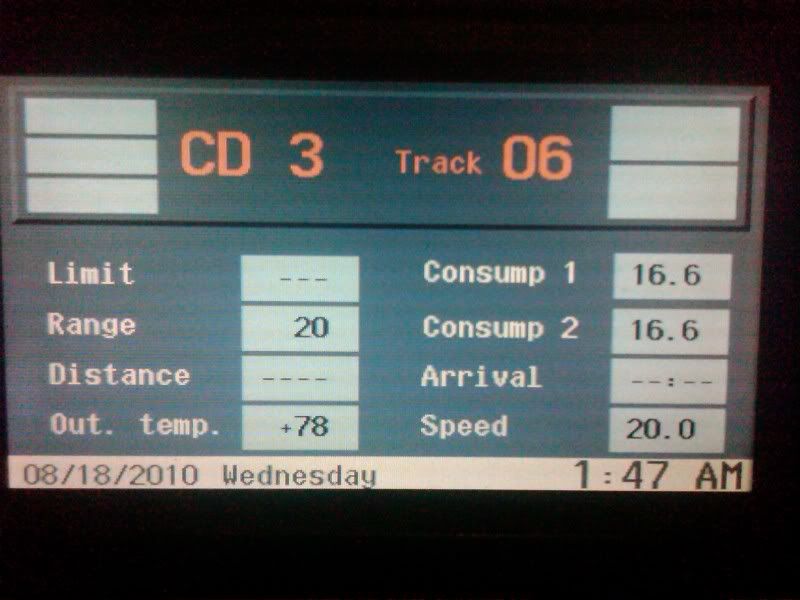 Heres what it looked like while I was installing the version 22 software on my MKIII
 I was prompted to insert the KEY CD
 This was the end result
