
|
|
|
|
||||||||||
| Xoutpost server transfer and maintenance is occurring.... |
| Xoutpost is currently undergoing a planned server migration.... stay tuned for new developments.... sincerely, the management |
|
|
LinkBack | Thread Tools | Display Modes |
|
#1
 03-03-2006, 12:23 AM
|
||||
|
||||
|
Custom X5world V26 with Perspective View
For those that would like a copy of my customized V26 with fully enabled Perspective View (both in Direction of Travel and Point North modes) and a custom X5world splash screen (credit to datake for the base image) that looks like this:
 This is a complete V26 image (not the V26 Beta) based on the original V26 files but it has a custom navboot file that enables the Perspective mode menus and has the custom X5world splash screen and settings screen. A few notes on the upgrade, but first a reminder that there are risks to doing the upgrade on your own, so do so knowing that risk is present. Although rare, problems can occur if update steps aren't followed properly or there are issues with the media. Such conditions can cause problems with the nav drive which may not be recoverable. - The image files have been zipped (compressed), so you will first need to un-zip them. I use a free program called TugZip, but there are other programs such as WinZip that will also do the trick. - Once you have uncompressed the image files you will need to burn them to a CD-R using a program called Alcohol 120%, which is available as a free 30 day trial here - http://trial.alcohol-soft.com/en/download_120.php - Burn the disk using a high quality CD-R disk at the lowest possible burning speed using these steps: 1. click on "image burning wizard" then click "browse" and find the folder that you extracted the two files to.- Once the disk is ready, follow these steps 1. Go to your vehicle and turn the ignition switch to the first position. Let the navigation system boot up and get into a normal operating mode.If you are already on V26 then you will have to downgrade to an older version such as V25 in order to do the V26 update with these custom enhancements. Note that doing a downgrade will put your nav drive into Euro mode (yards instead of feet and no accept screen). Here's the link to the download - http://www.megaupload.com/?d=HXI7DHZL Splash Screen Photo (note, colors look better in person then on photo): 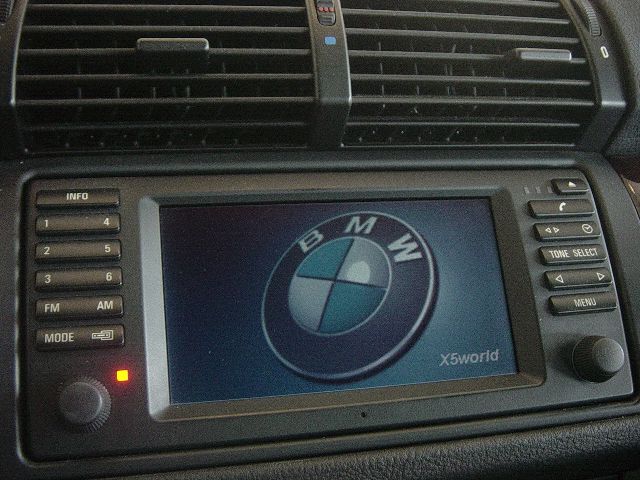 Pointing North - 2D: 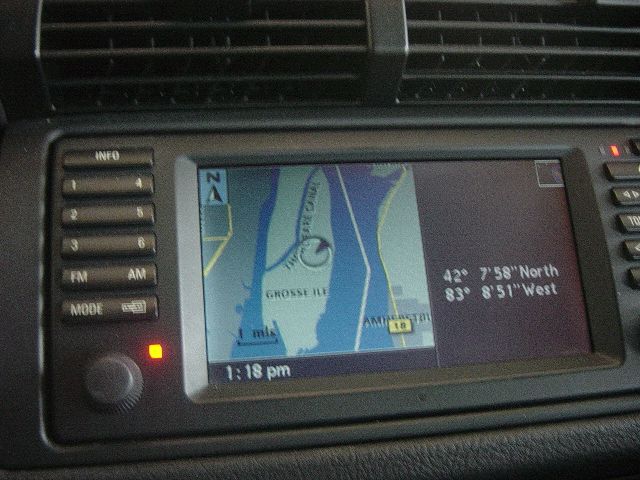 Pointing North 3D (Perspective Mode): 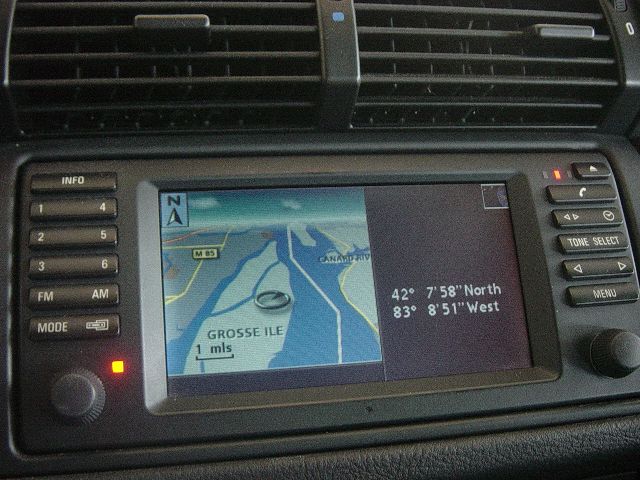 Direction of Travel 2D: 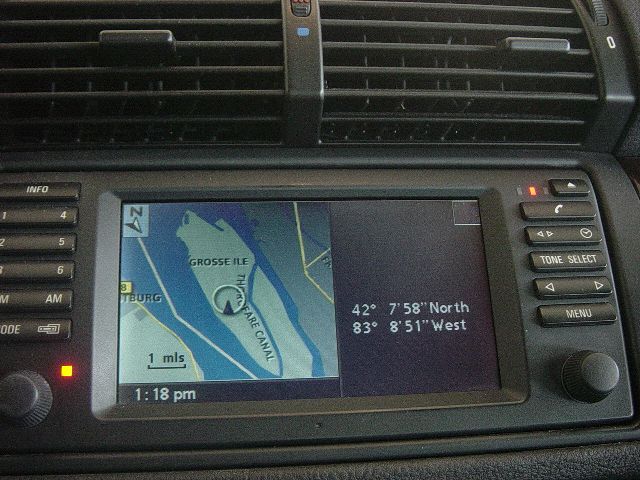 Direction of Travel 3D (Perspective Mode): 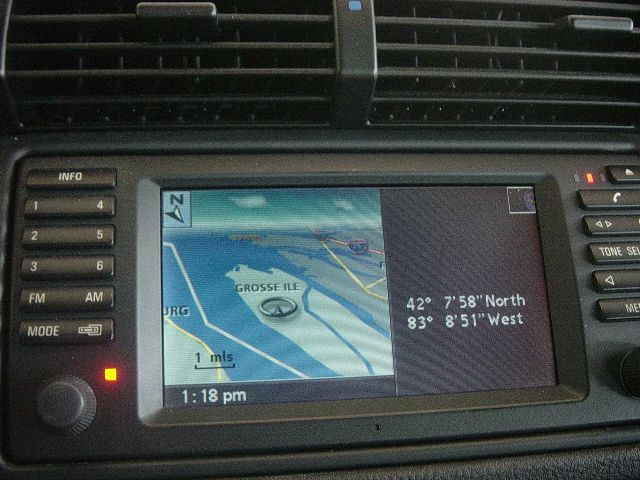 Enjoy!!
__________________
 Xoutpost.com - where you come for the information but stay for the friendships |
| Bookmarks |
|
|
|
|





 Threaded Mode

